Course Name

Master Diploma in BIM (Basic + Advance)
Certification

Autodesk Course Completion Certificate

Mode

Course Duration

90 Days

Batch Size

1, 5, 10

Language

Software Included

Revit
Navisworks
Twinmotion
Revit
BIM Collaborator Pro

Master the complete workflow of Building Information Modeling (BIM) using Autodesk Revit. This course covers architectural modeling, structural detailing, MEP systems, project collaboration, and integration with tools like Navisworks, Twinmotion, and BIM 360. Ideal for professionals and students aiming to excel in design, documentation, and project coordination in the AEC industry.

What You’ll Learn:

  • Introduction & Project Setup – Revit UI, BIM fundamentals, templates, project units, snaps, families, levels, grids, elevations, location settings, and base point orientation.
  • Architectural Modelling – Walls, curtain walls, floors, roofs, ceilings, openings, site modelling, material creation, components, stairs, ramps, railings, annotations, and legends.
  • Structural Design – Columns, beams, footings, trusses, steel connections, reinforcement detailing, schedules, and structural families.
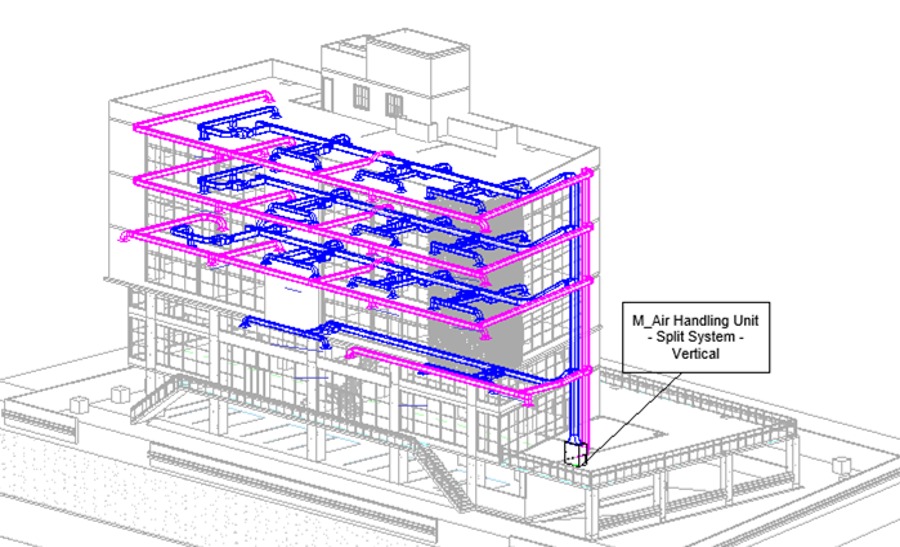
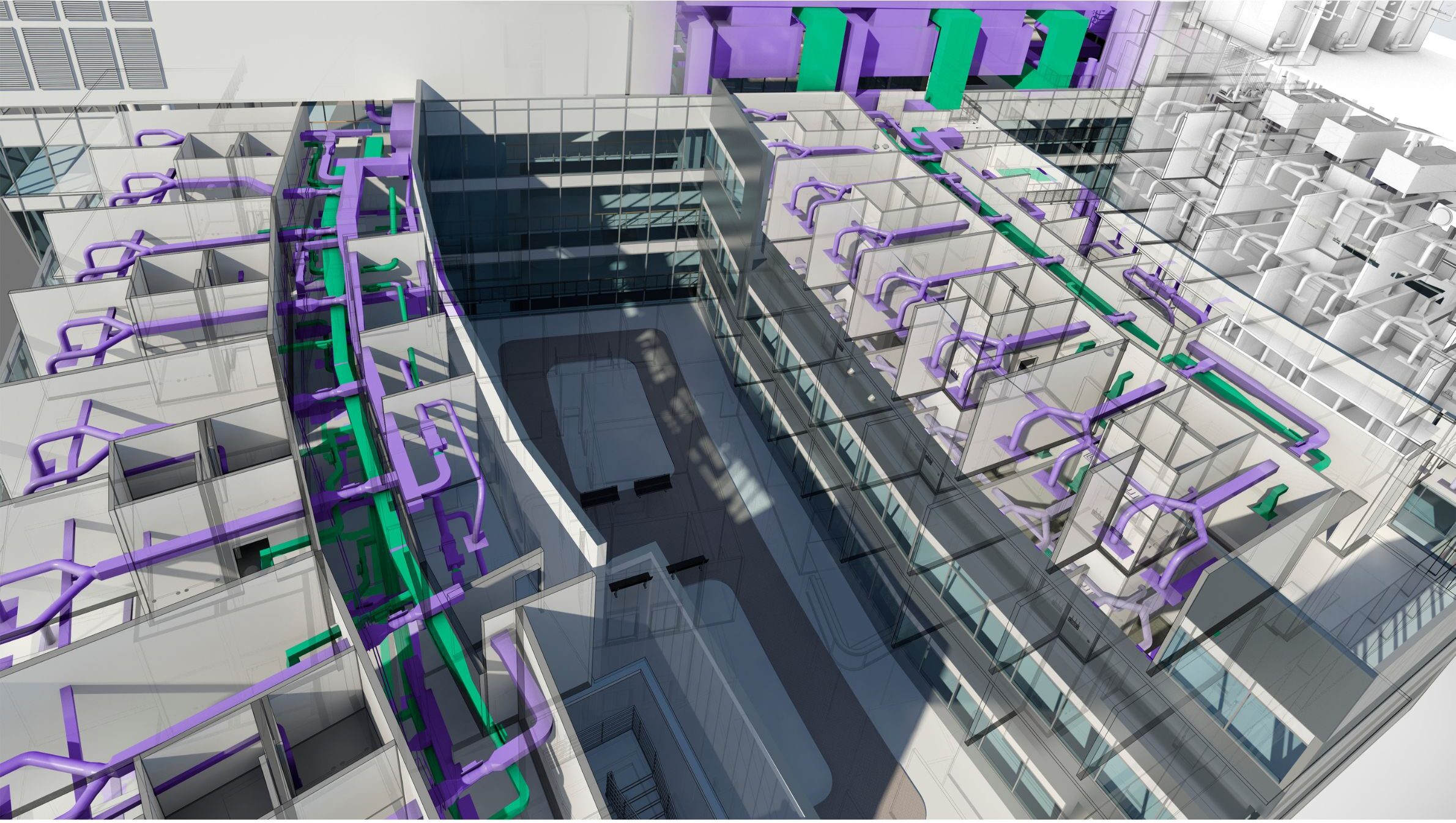
  • MEP Systems – HVAC, piping, plumbing, and fire protection system design; duct and pipe creation, fittings, schedules, annotations, and system analysis.
  • Electrical Systems – Lighting, power circuits, distribution systems, wiring, schedules, and electrical annotations.
  • Advance Families & Parameters – Creating 2D/3D families, nested families, parameters (type, instance, global, shared) 
  • Views & Schedules – Plan views, detail views, drafting views, callouts, schedules (materials, quantities, and equipment), legends, and sheet management.
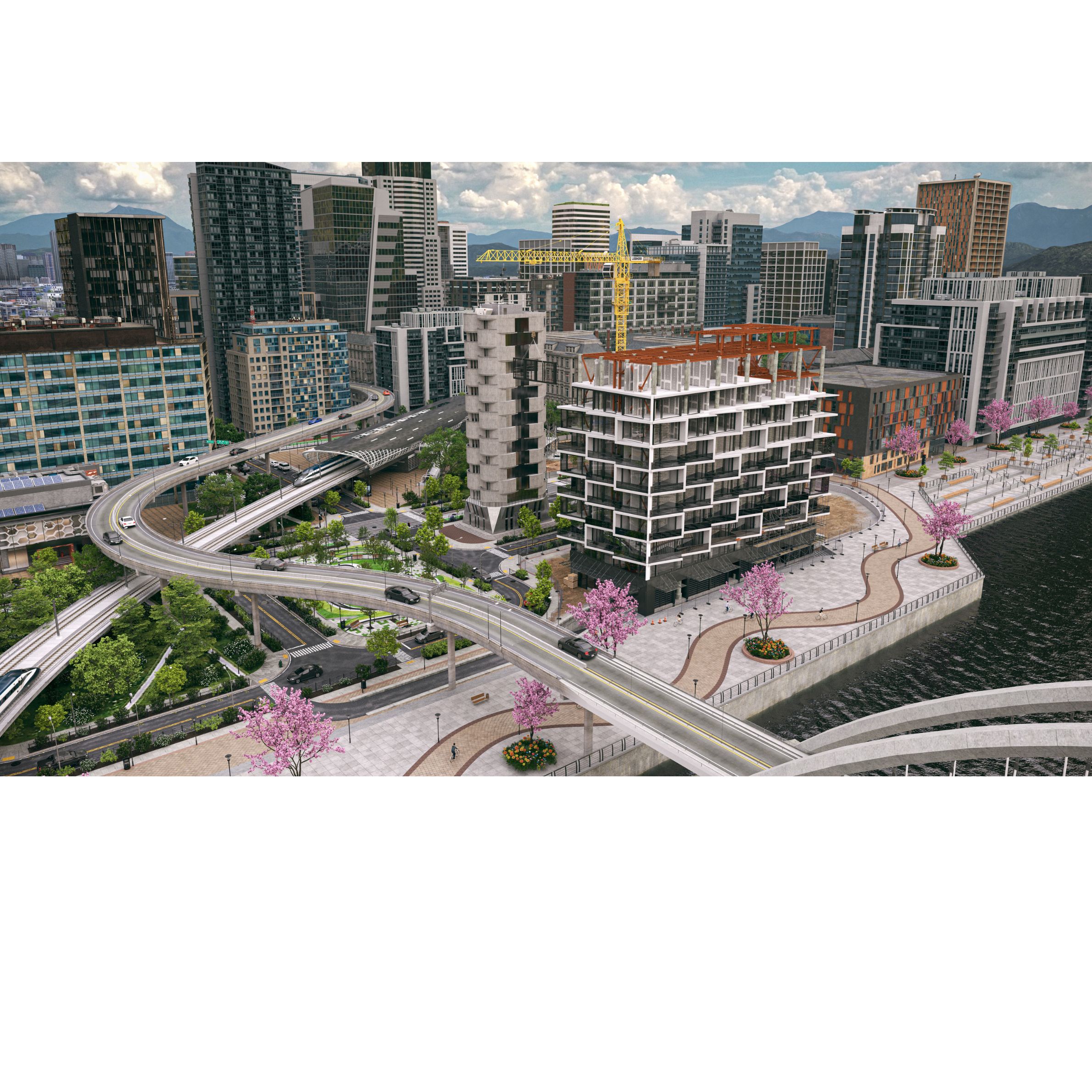
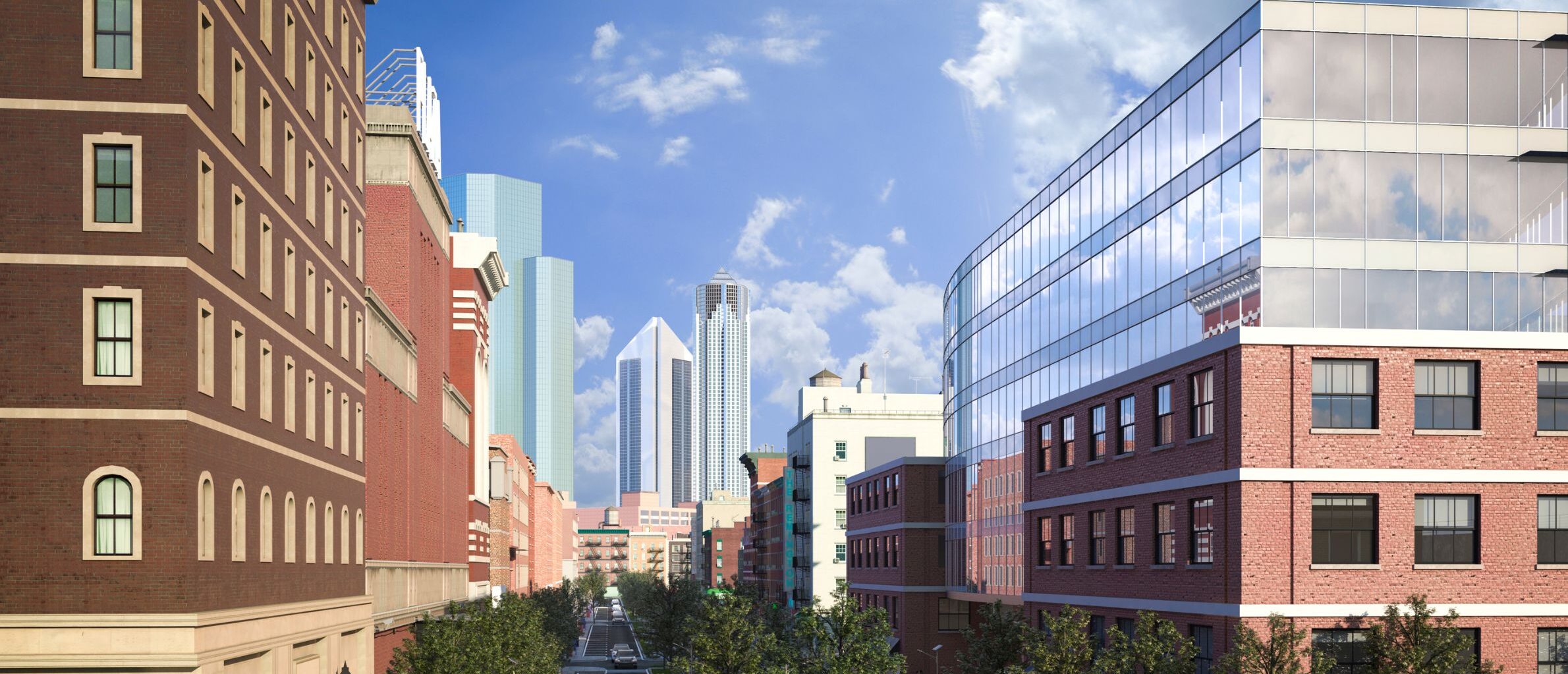
  • Rendering & Visualization – Cameras, walkthroughs, solar studies, sun paths, render settings, and exports.
  • Collaboration & Coordination – Worksets, local/central files, coordination review, and linked model management.
  • Navisworks Integration – Exporting models, clash detection, coordination reports, process animation and 4D- 5D construction simulation.
  • Autodesk Construction Cloud (ACC) – Cloud-based project collaboration, ACC Services like Document Management, Design Collaboration, Model Coordination, and Project Management
  • Twinmotion Integration – Scene creation, material editing, component placement, and exporting images, videos, panoramas.
  • Dynamo: Introduction to Dynamo, creating simple automation codes. 
  • Professional Development – Dedicated Session for Portfolio Making, Resume Writing, Mock Interview, Mock Tool Test, Career Guidance, etc.
  • LOD 400 to As-Built Model Creation – Detailed model development from design intent to construction and as-built documentation.
  • 4D and 5D BIM Implementation – Applying scheduling (4D) and cost estimation (5D) techniques to your project portfolio.
  • ISO 19650 Standard Workflow – Learning internationally recognized BIM process standards.
  • BIM Expert Consultant Guidance – Mentorship from experienced BIM consultants.
  • Industry Expert Lectures – Guest sessions from AEC industry leaders.