Course Name

BIM Foundation Course
Certification

Autodesk Course Completion Certificate

Mode

Course Duration

75 Days

Batch Size

1, 5, 10

Language

Software Included

BIM Collaborator Pro
Revit
Navisworks

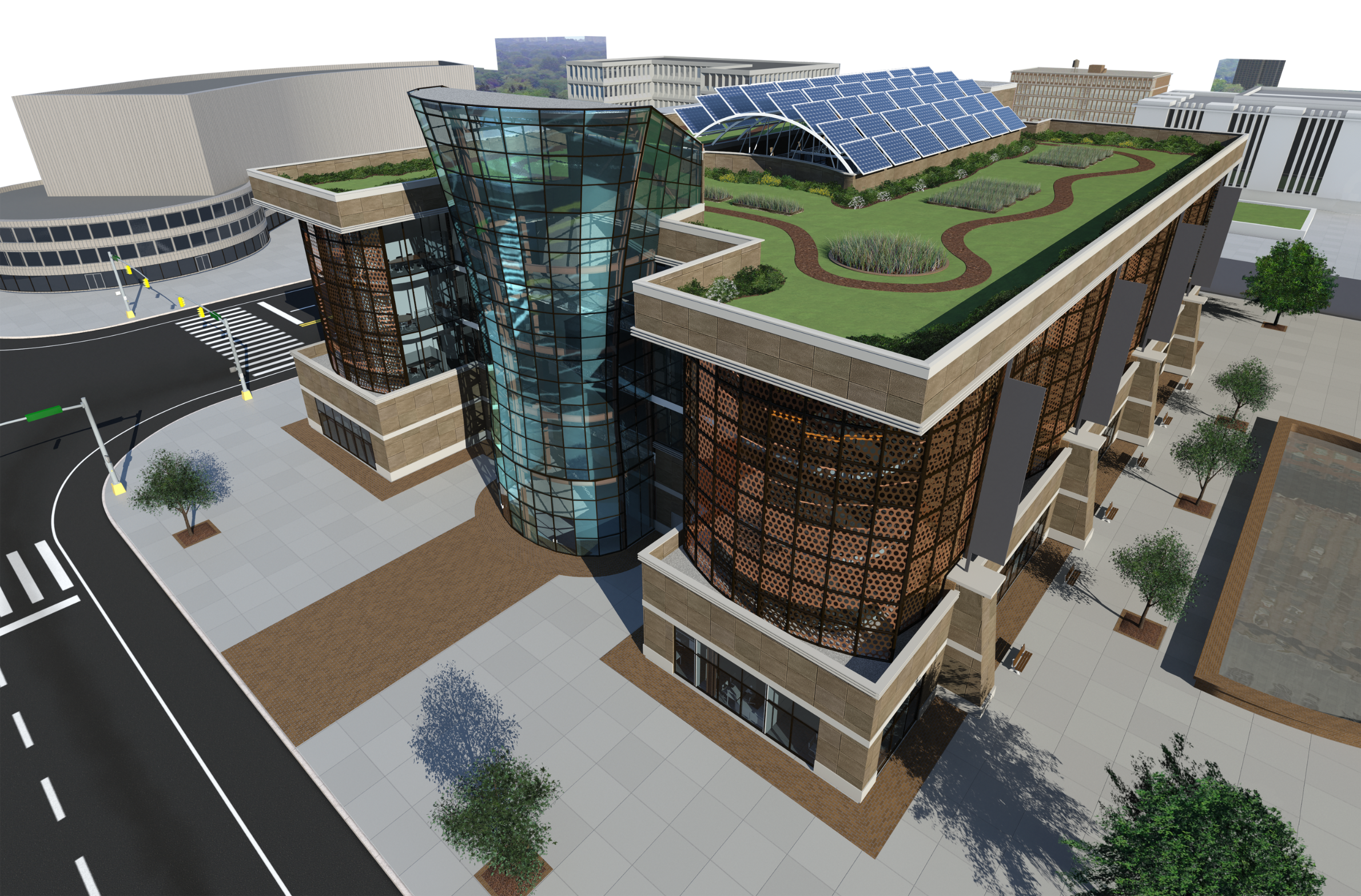
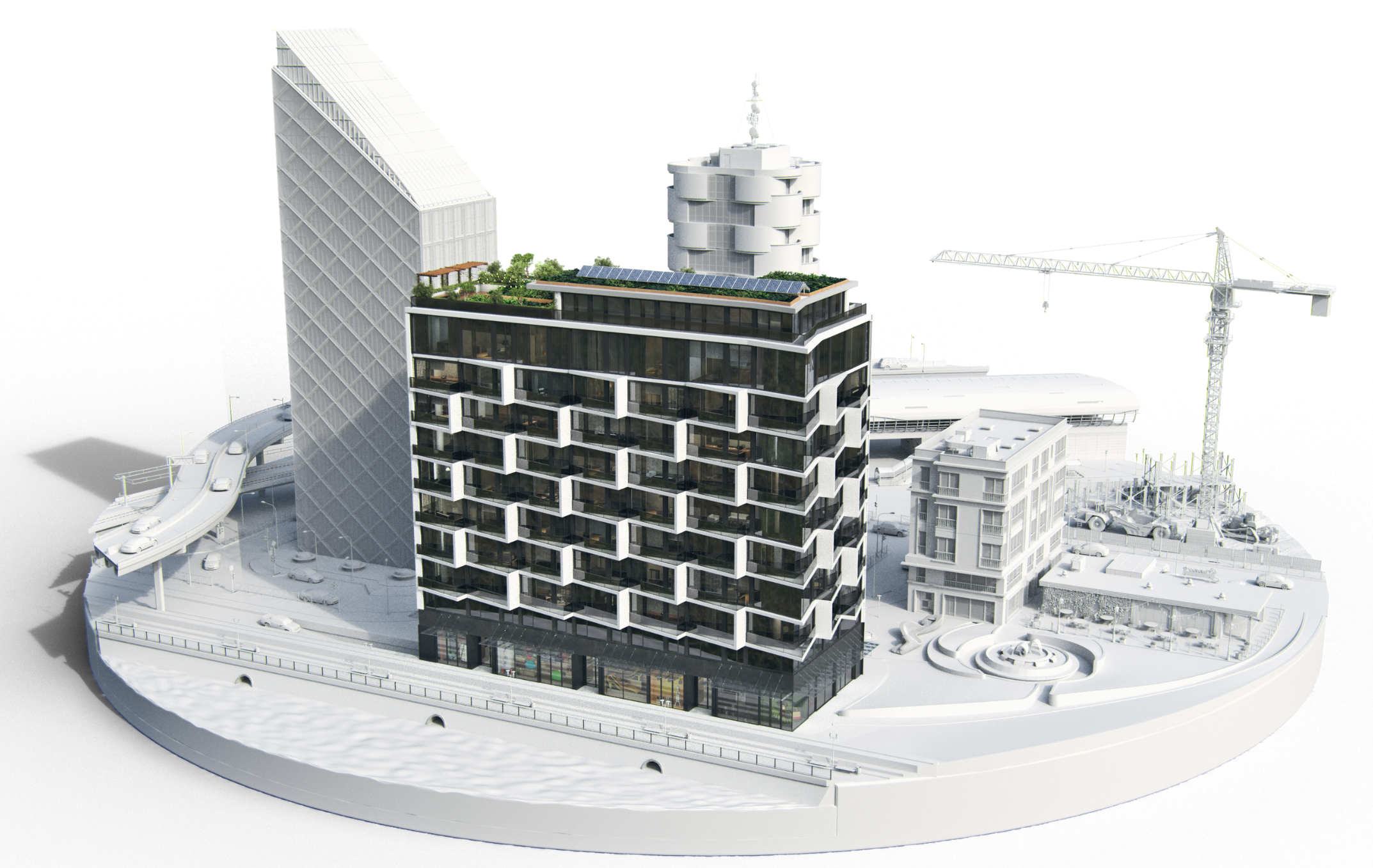
Master Building Information modelling (BIM) workflows with Autodesk Revit for Architecture, Mechanical, Electrical, and Plumbing (MEP) design, integrated with Navisworks coordination and BIM 360 cloud collaboration. This course covers project setup, modelling, documentation, interdisciplinary coordination, and BIM standards — enabling you to deliver high-quality, BIM-compliant projects efficiently.

What You’ll Learn:

  • Introduction to Revit & BIM for Architectural Design – Project setup, template configuration, units, snaps, families, UI shortcuts, levels, grids, elevations, and basic model creation.
  • Site & Project Management – Project location, base point, survey point, orientation, working with CAD/CSV site data, material creation, split surface, subregions, and site components.
  • Architectural Modeling – Walls, curtain walls, doors/windows, stacked walls, sweeps, reveals, profiles, floors, ceilings, roofs, openings, model groups, assemblies, stairs, ramps, and railings.
  • Annotations & Documentation – Dimensions, tags, legends, room/area schedules, massing, surface division, family creation (2D/3D), parameters, curtain panel pattern families.
  • View Management – Plan/ceiling/area/detail/drafting views, design options, phases, sheets, title blocks, match lines, view references, camera/walkthroughs, rendering, and export.
  • Collaboration in Revit – Worksets, central/local files, coordination across disciplines, synchronize/relinquish workflow.
  • Revit MEP – Mechanical (HVAC) – Spaces, zones, analytical models, duct systems, routing, fittings, fire dampers, tagging, schedules, and system analysis.
  • Revit MEP – Plumbing – Piping systems, fixtures, valves, HVAC piping, fire protection systems, schedules, and annotations.
  • Revit MEP – Electrical – Lighting, power, circuits, distribution, wiring, panel schedules, equipment placement, annotations, and coordination templates.
  • Navisworks Coordination – File formats, appending/merging projects, viewpoints, navigation, selection sets, clash detection (rules, tolerances, reports), and switchback workflow.
  • BIM 360 Document Management – UI navigation, folder creation, permissions, sheet templates, project viewer, markups, issues, navigation.