

Course Name

Certificate Course in Civil 3D

Certification

Autodesk Course Completion Certificate

Mode

Course Duration

45 Days

Batch Size

1, 5, 10

Language

Software Included

Civil 3D

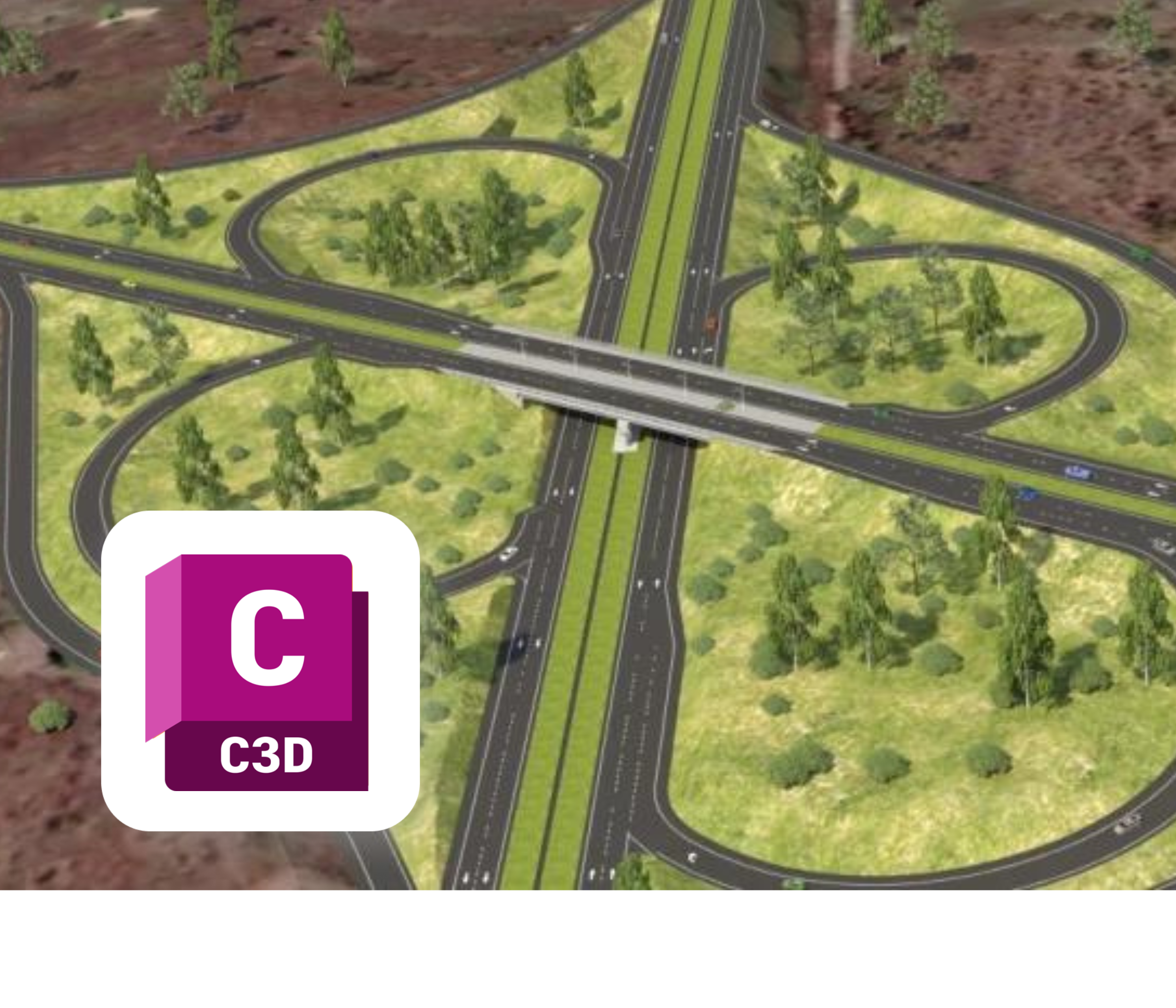
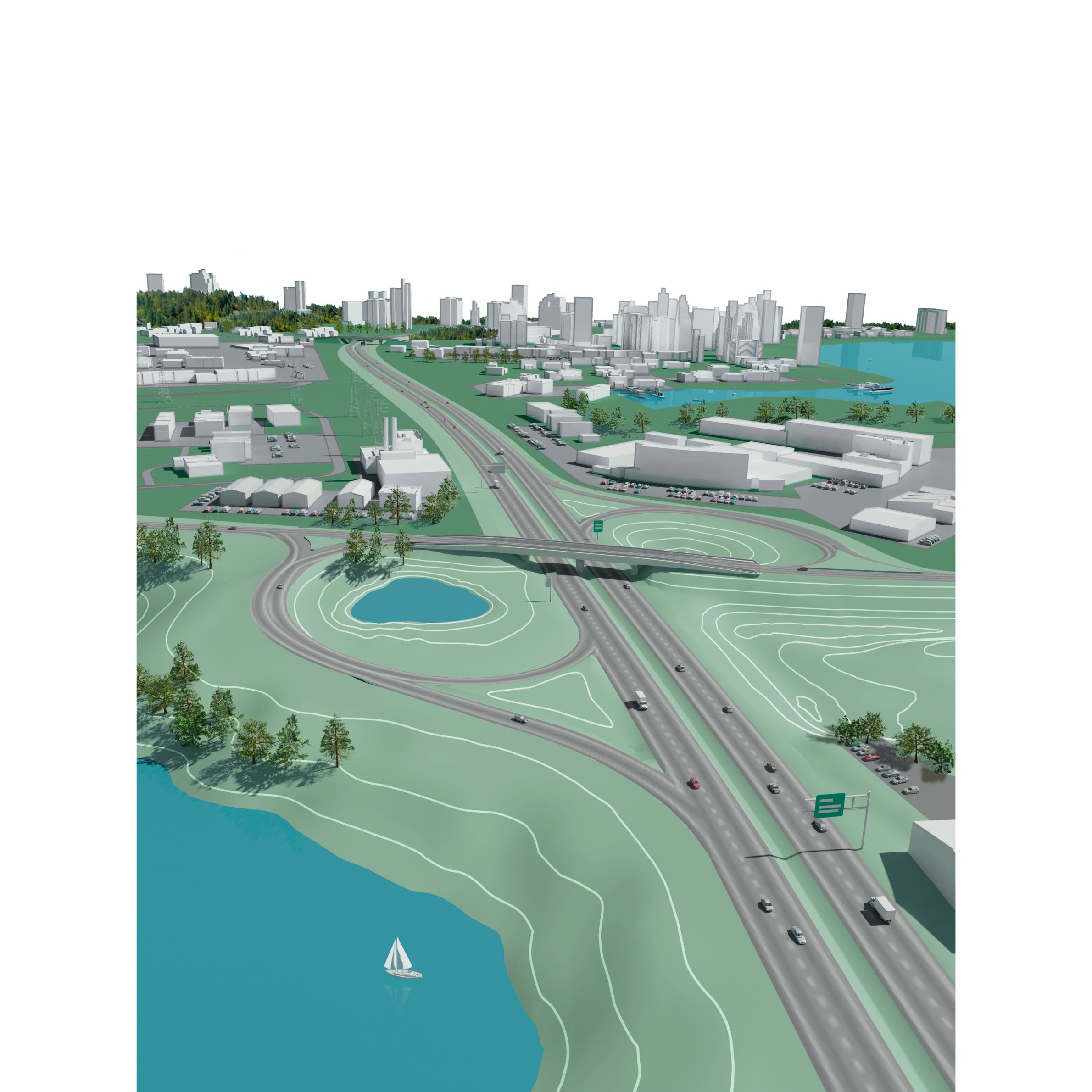
Gain expertise in infrastructure design and land development with AutoCAD Civil 3D. This course focuses on surveying, alignments, profiles, corridors, grading, and pipe networks to deliver precise, BIM-ready civil engineering projects. Ideal for professionals working in transportation, site design, and land management.

What You’ll Learn:

  • Getting Started – Introduction, user interface, units, zones, tool space, object & label styles, templates.
  • Points Management – Creating & editing points, managing point data, point styles, import/export formats, point groups, point tables, description keys.
  • Surface Modeling – Creating/managing surfaces, definitions, styles, properties, analysis, labels, legends, editing, volume surfaces, utilities, and reports.
  • Alignments – Creating by layout & objects, geometry editing, design criteria, labels/tables, offset alignments, widenings, superelevation, reports.
  • Profiles – Creating from layout & surface, profile geometry, styles, labels, design criteria, quick & superimposed profiles, band sets.
  • Corridor Design – Assemblies/subassemblies, creating corridors, properties, code set styles, adding regions, widenings, corridor surfaces, reports.
  • Intersections & Roundabouts – Creation, editing, assemblies, properties.
  • Sections – Sample lines, section views, labels, editing.
  • Material Take-Off – Earthwork calculations, material lists, volume criteria, tables, reports.
  • Grading Design – Feature lines, grading criteria, infill (building pads, ponds), editing, surface balancing, grading utilities, volume tools.
  • Pipe Networks – Gravity and pressure networks, part lists, layout creation, profile drawing, styles, catchment areas, analysis, interference checks, reports.
  • Parcels & Site Design – Parcel creation by layout & object, ROW creation, styles, slide/swing lines, editing, labels, reports.
  • Plan Production – View frames, sheet creation, page setup.
  • Data Shortcuts & GIS – Data references, working folders, importing KML, geolocation, Civil 3D map view.