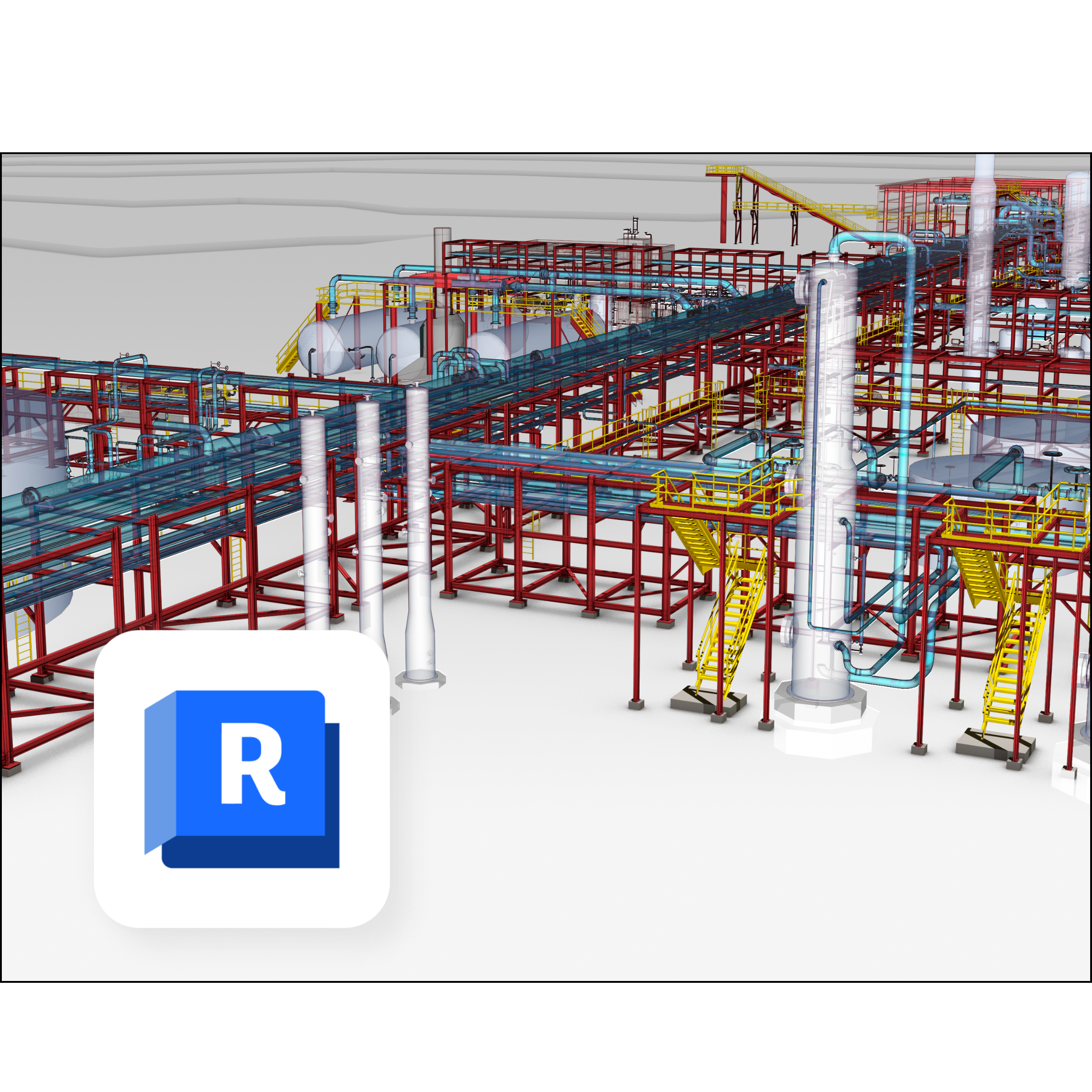
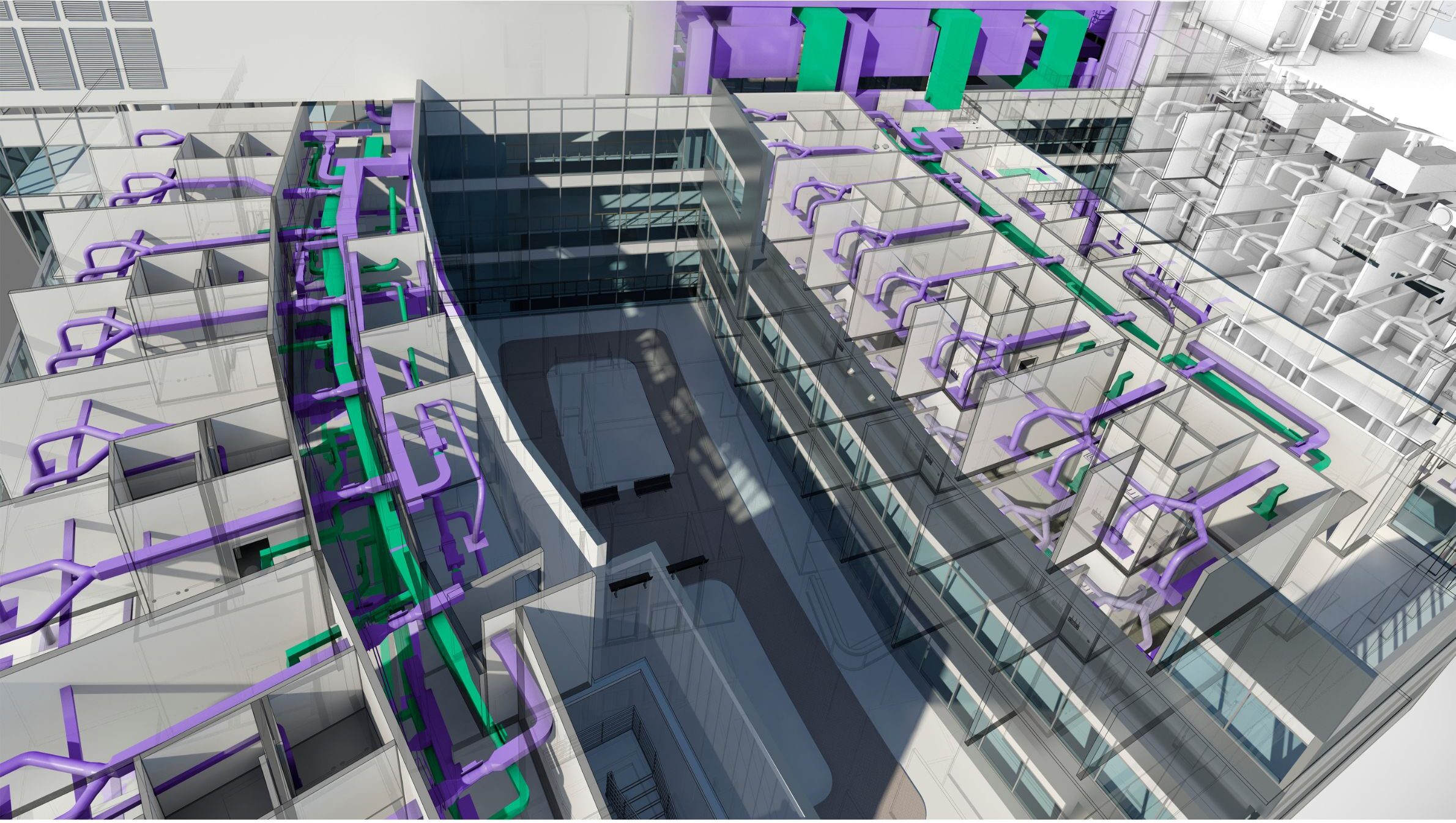
Autodesk Revit MEP

Course Name

Autodesk Revit MEP

Certification

Autodesk Course Completion Certificate

Mode

Course Duration

45 Days

Batch Size

1, 5, 10

Language

Software Included

Revit

Master the design, modeling, and documentation of Mechanical, Electrical, and Plumbing systems using Autodesk Revit MEP. This course equips professionals with the tools for BIM-based MEP design, sustainable solutions, and accurate system coordination, ensuring efficiency in complex building projects.

What You’ll Learn:

  • BIM & Revit MEP Basics – Introduction to BIM for MEP, sustainable design concepts, user interface, project setup, templates, units, snaps, levels, grids, family types.
  • Project Management Tools – Project browser organization, materials, CAD linking, project location/orientation, project information.
  • Architectural Elements for MEP – Walls, curtain walls, doors, windows, floors, roofs, openings, stairs, ramps, railings.
  • Massing & Families – Mass creation, converting masses to elements, family templates, parametric families, categories, annotation symbols, shared parameters, in-place components.
  • Modeling Essentials – Model text, model groups, AutoCAD import modifications.
  • Spaces & Areas – Adding rooms/areas, color legends, creating spaces, properties, space separators.
  • View Management – View templates, graphic overrides, visibility control, scope boxes, sections, elevations, 3D views, hide/isolate tools.
  • HVAC Systems – Mechanical settings, ceiling plan creation, equipment placement, air terminals, duct creation, zones, system analysis, heating/cooling load calculations, gbXML export.
  • Duct Systems – Duct types, shapes, preferences, fittings, endcaps, automatic/manual routing, fire dampers, system browser, system division.
  • Duct Documentation – Dimensions, labels, tags, duct schedules, equipment schedules, zone schedules.
  • Piping Systems – Pipe settings, types, HVAC piping, chillers, pumps, boilers, parallel runs, valves, pipe tags, plumbing fixtures, fire protection systems, schedules.
  • Electrical Systems – Load classification, demand factors, distribution systems, electrical settings, equipment placement, lighting, switches, circuiting, wiring, conduits, cable trays, annotations, panel schedules.
  • Documentation & Schedules – Plan, callout, detail, legend, drafting views, material take-offs, schedules for ducts, pipes, fixtures, and electrical equipment.
  • Presentation Tools – Cameras, walkthroughs, rendering 3D views.
  • Sheet Management – Title blocks, view placement, custom sheet families, printing, publishing, exporting to CAD/PDF.
  • Coordination & Collaboration – Coordination templates, copy/monitor, worksets, interference checking, review warnings, element IDs.